
How to Automatically Chain Subtasks in Asana
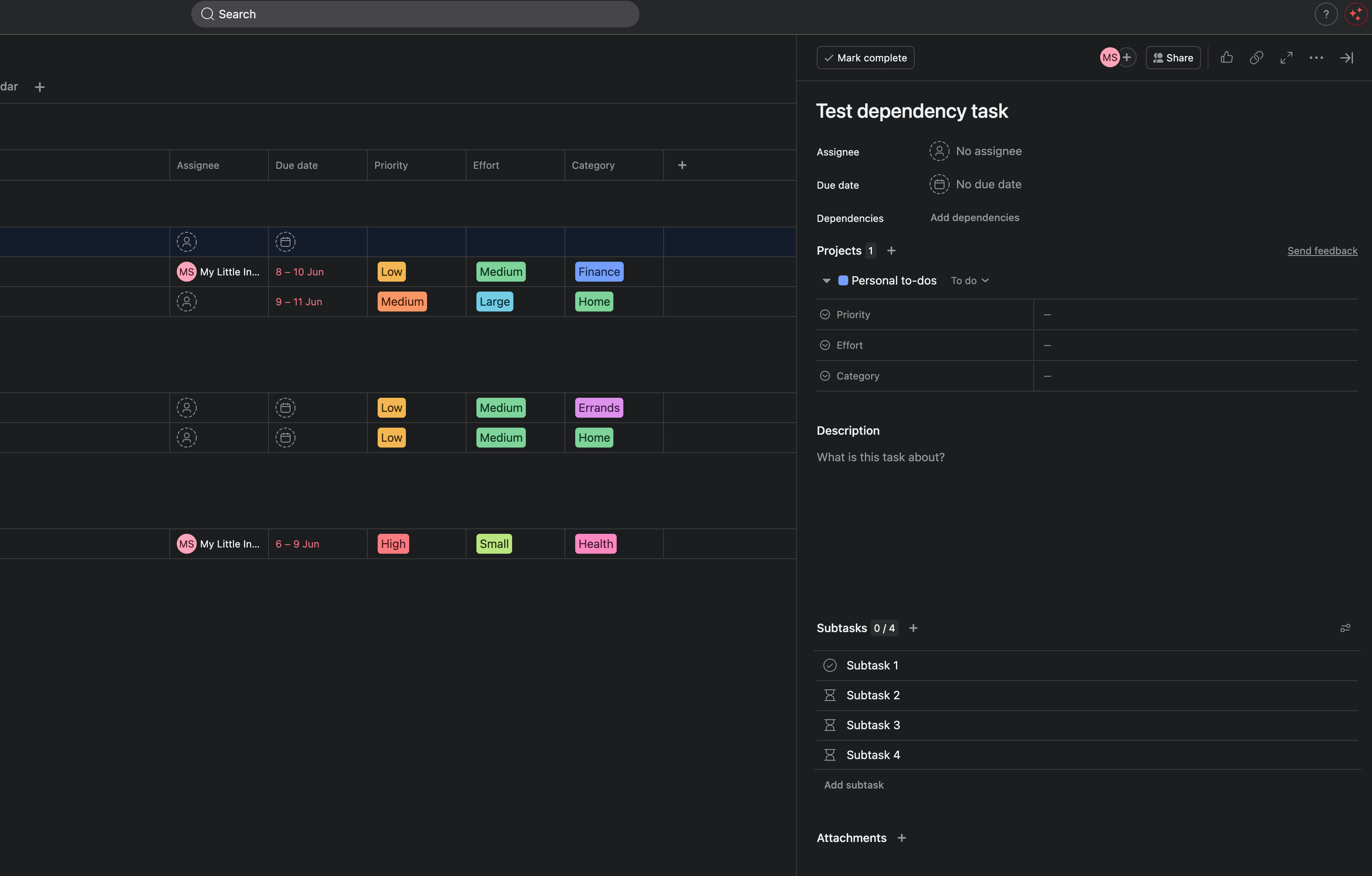
You know the drill. A task spawns a checklist of subtasks, and now you have to tell Asana what waits on what.
Say you're publishing a blog post. The task is "Publish blog post," and your template drops in four subtasks: Draft, Edit, SEO, Publish. Asana lays them out flat. All four look startable at once. But they aren't. You can't edit a draft that doesn't exist, and you can't run SEO on unedited copy.
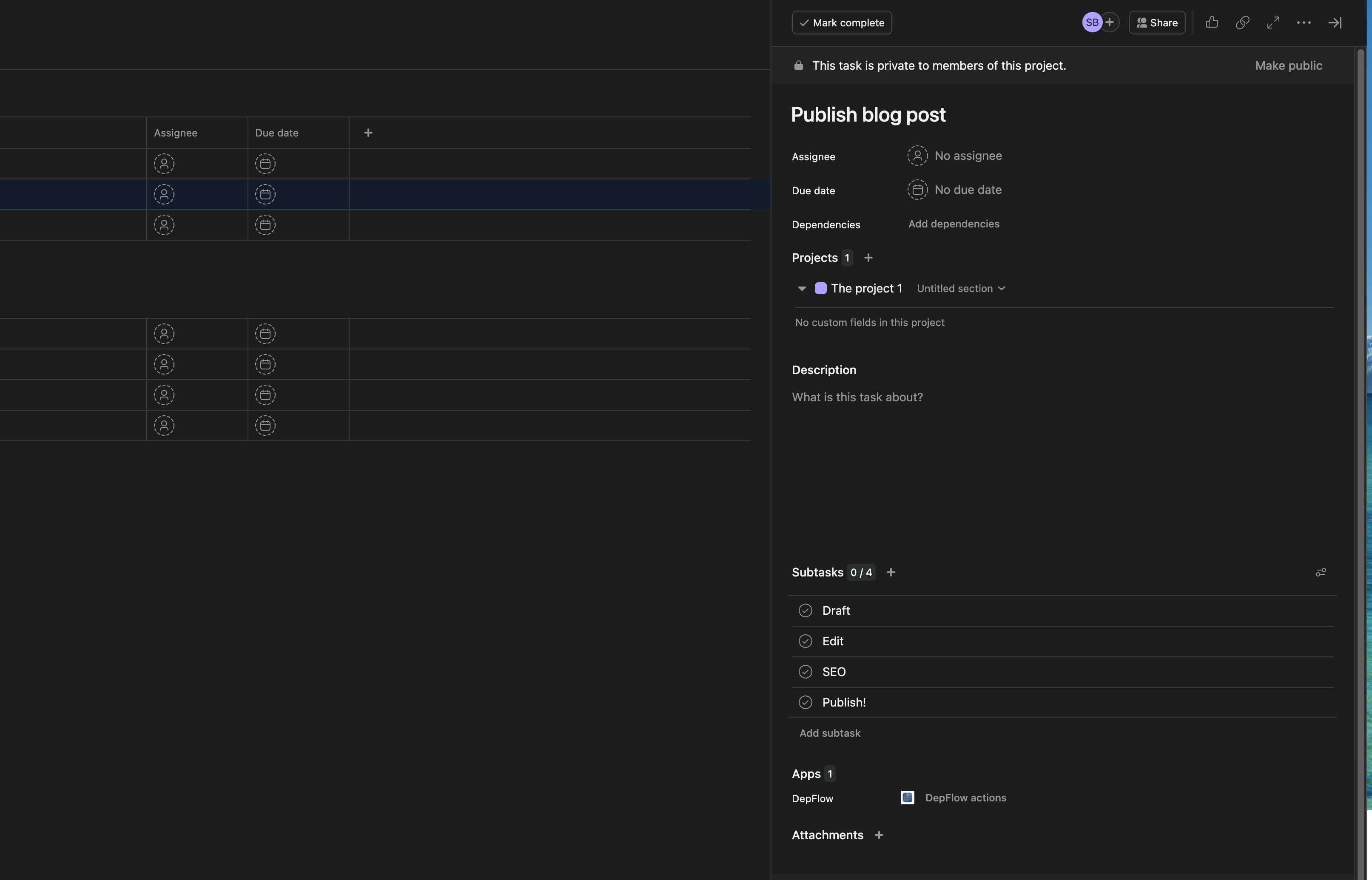
So you fix it by hand. Open the second subtask, click "Mark as waiting on," find the first subtask, pick it. Open the third, mark it waiting on the second. Open the fourth. Every time. On every task that spawns this checklist.
And here's the part that stings: Asana's own rules can't help. Rules can assign, move, comment, add tags. But there is no rule action that sets a single dependency for you. You've automated everything except the one boring thing you do most.
DepFlow adds that missing action. It's called Wire up subtasks, and the mode you want is Chain. Set it once, and every time those subtasks appear, each one waits for the one before it. Zero clicks. It's free, forever.
What "Chain" actually does
Chain reads the triggering task's subtasks, in order, and makes each one depend on the one above it:
- Draft blocks Edit
- Edit blocks SEO
- SEO blocks Publish
No task picker, no per-subtask setup. DepFlow reads the subtask list at the moment the rule runs, so the chain forms itself the instant the subtasks show up.
How to set it up
You do this once per project. Then it runs on its own.
- Open your project and go to Customize, Rules, Add rule.
- Pick a trigger. Use whatever creates your subtasks. If a template or another rule adds them, use "Task is added to this project." If you'd rather fire it yourself, pick "Run manually." That puts a button on every task so you can run it on demand.
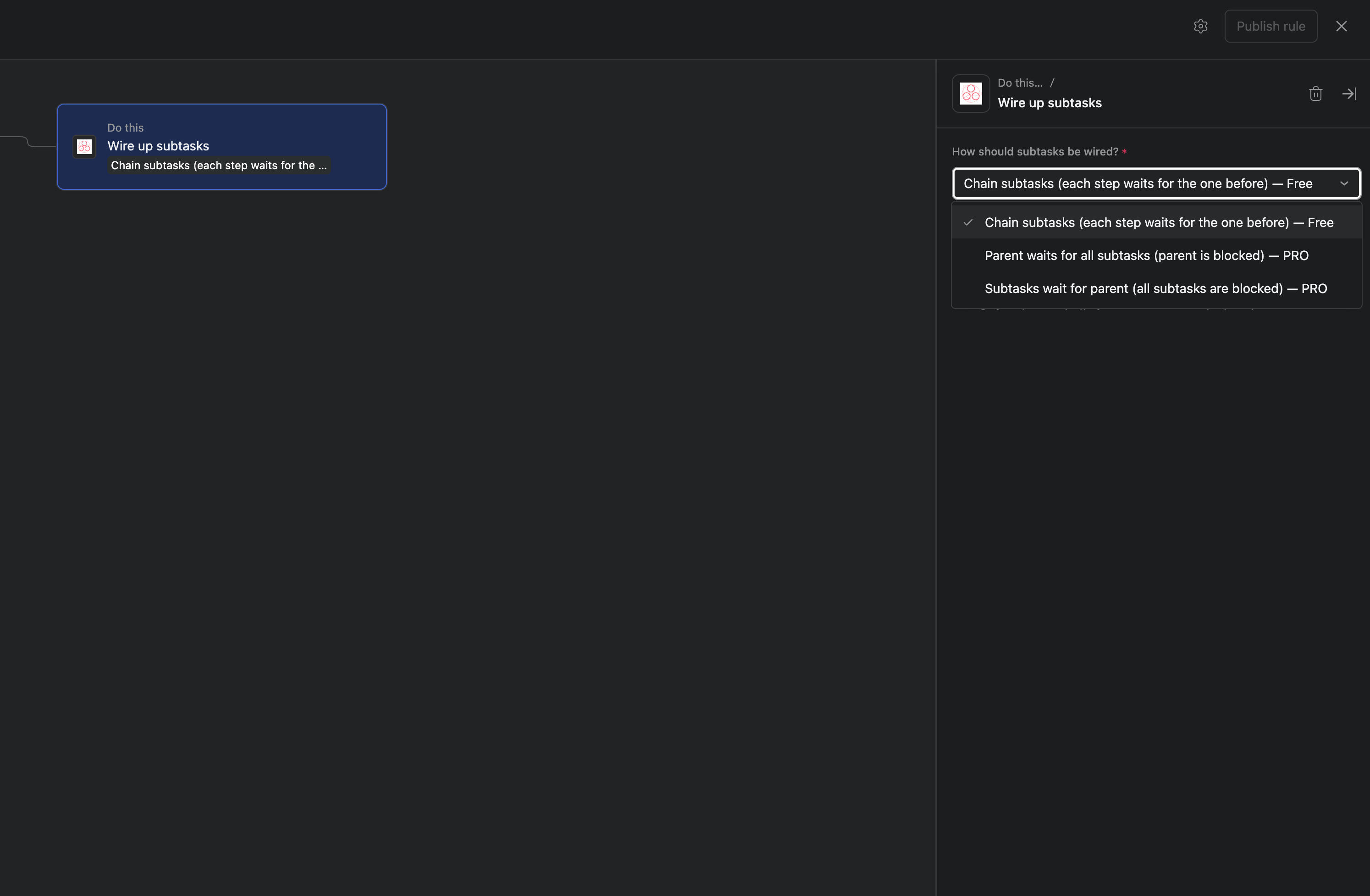
- Click Add action, search DepFlow, and choose Wire up subtasks. The DepFlow actions sit right next to Asana's own.
- In the "How should subtasks be wired?" dropdown, pick Chain subtasks. It's marked Free.
- Publish the rule. That's the whole setup.
A few things worth knowing, so you never have to second-guess it:
- It fires the moment subtasks appear. With a creation trigger, the chain forms as the checklist lands, so you never see a flat, unlinked list.
- Re-running is safe. Fire the same rule twice on the same task and nothing duplicates. Added a fifth subtask later? Run it again, and the chain extends while the links already there stay untouched.
- It skips quietly when there's nothing to do. A task with fewer than two open subtasks is a no-op. Already-completed subtasks are skipped, so the chain starts from the first open one. The rule never turns red or fails your project.
What you get
Once the rule runs, your flat checklist becomes a proper sequence. Each subtask carries a "Blocked by" marker pointing at the one before it: Draft, then Edit, then SEO, then Publish, with 1 blocking 2 blocking 3 blocking 4.
Finish the draft, and Edit unblocks. Finish Edit, and SEO opens. Nobody starts SEO on a half-written post, because Asana now shows it's waiting. And you didn't click a single dependency to make that happen.
One honest note
In Asana, dependencies are advisory. A blocked task shows a warning and notifies assignees when the blocker completes, but Asana doesn't physically stop someone from marking it done early. That's how Asana works, for hand-made and DepFlow-made links alike. Asana dependencies warn; they don't hard-lock. DepFlow's job is to set them for you, every time, so the warnings are actually there when they matter.
It's free, and there's more
Chain subtasks is free forever. No trial, no cap you'll notice. It's the core of DepFlow.
Sometimes you don't want a straight line, though. Two sibling modes live in the same Wire up subtasks action:
- Parent waits for all subtasks: the parent task can't sensibly close until every subtask underneath it is done. Good for milestones like "Ship v2.0."
- Subtasks wait for parent: every subtask stays on hold until the parent is resolved, then they all open at once. Good for a gate like "Client approves brief."
Chain is one of DepFlow's dependency modes, and DepFlow itself is a set of the rule actions Asana leaves out: smart assignment, deferred comments, task duplication, and section-level gates. One PRO subscription unlocks the whole set. See the five missing rule actions for the full picture.
But you don't need any of that to stop chaining subtasks by hand. Add the rule, pick Chain, publish. Done, for free.
Get DepFlow: it is free on the Asana App Directory. Install it once, add a rule, and it does the wiring the moment your rule fires. See all the actions and plans.