
Gate a Whole Checklist Behind One Approval in Asana
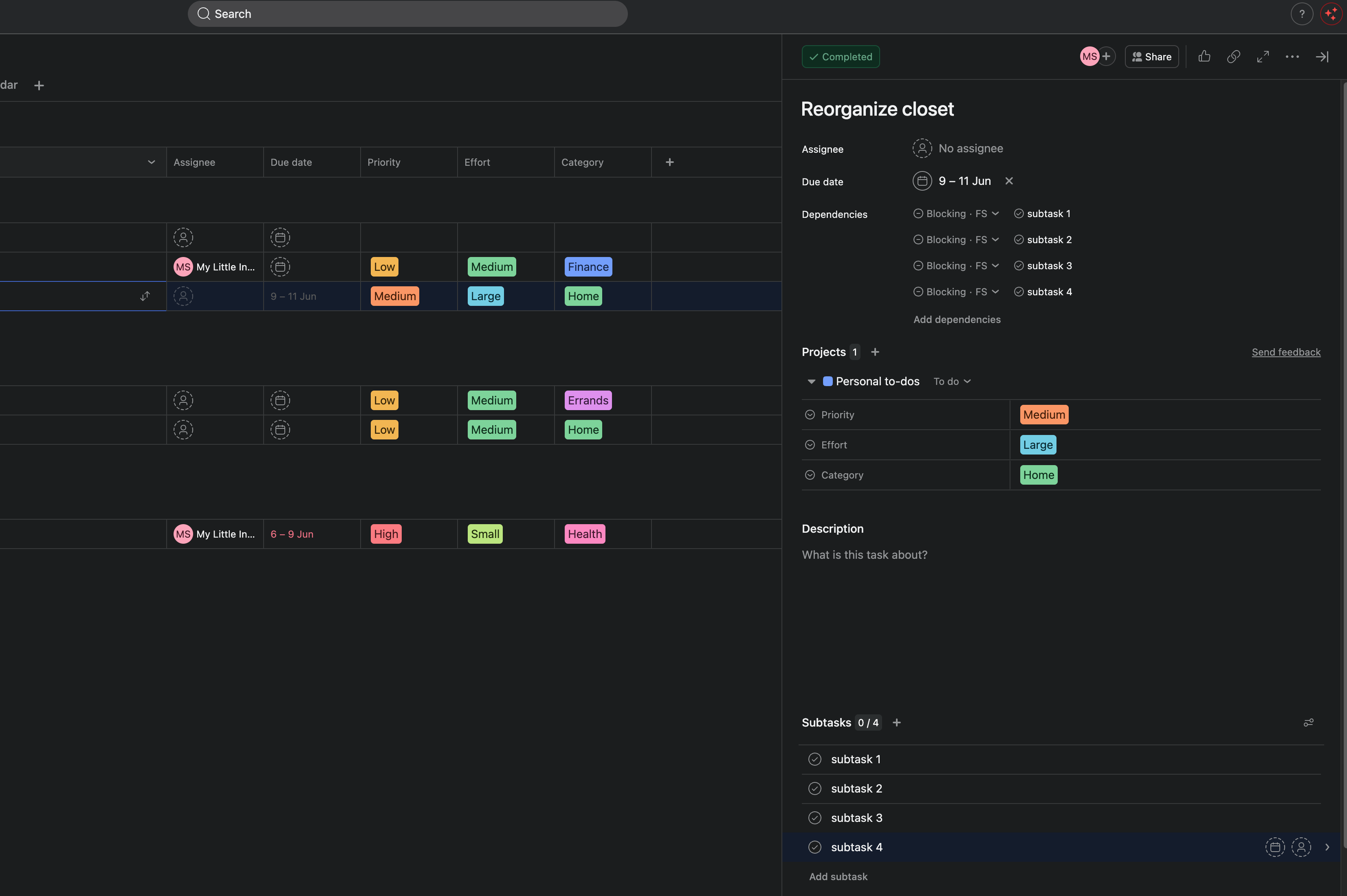
You know the feeling. The brief isn't approved yet, but someone has already started the design. Copy is half-written. A file went out the door before the client said "go."
The work wasn't wrong. It just started too early.
You have a parent task like "Client approves brief" with a checklist under it: Design, Copy, Handoff. You want the whole checklist frozen until that approval lands. The moment it does, everything opens.
Asana rules can't wire this. There's no rule action that makes a batch of subtasks wait for their parent. You'd have to open each subtask and mark the dependency by hand, every time the checklist is created.
This walks through setting it up once, so it happens on its own from then on.
The scenario
A parent task: "Client approves brief."
Its subtasks, the actual work:
- Design
- Copy
- Handoff
Right now Asana drops those in flat. All three are startable the second they appear, before the client has approved anything.
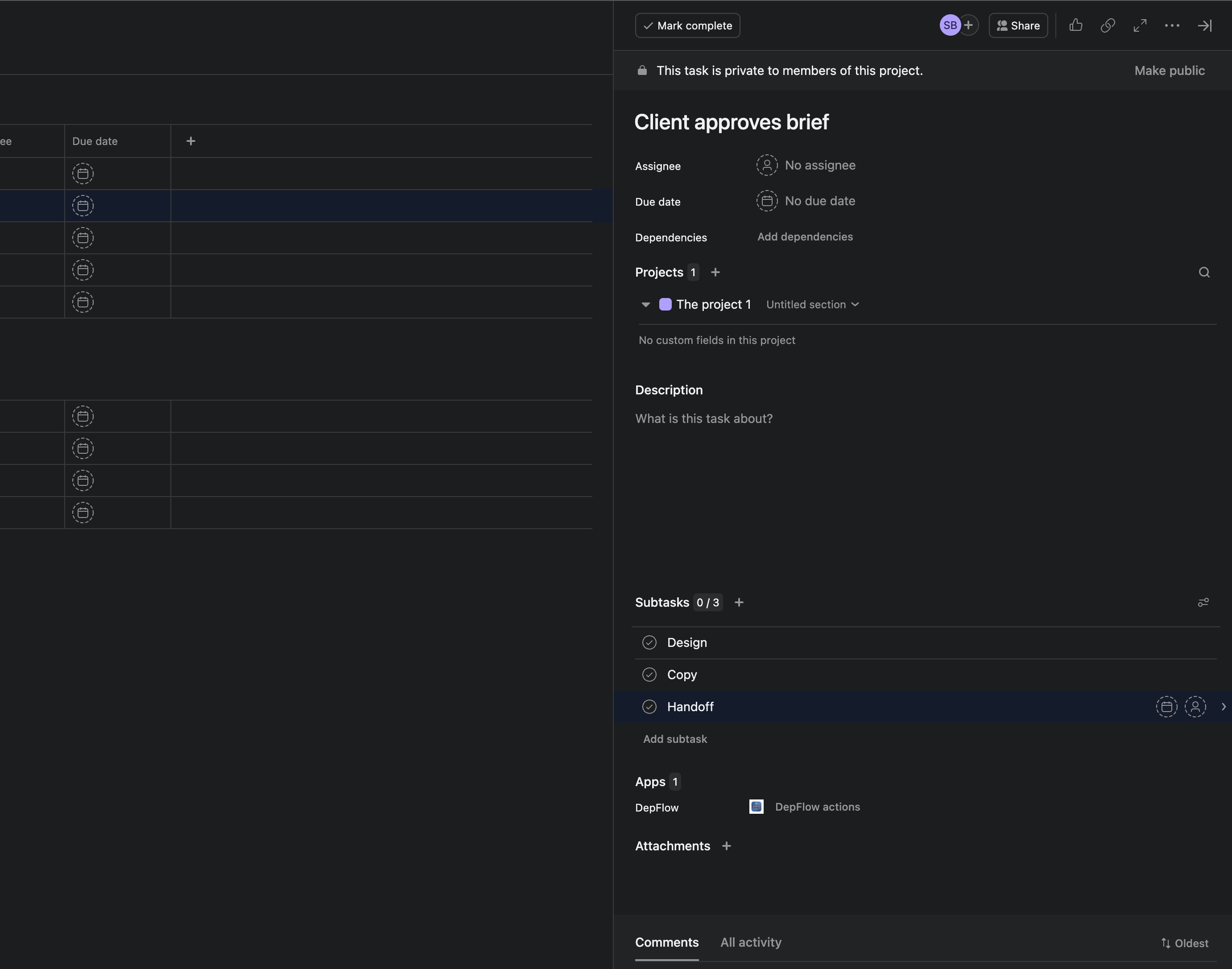
You want the opposite. Nothing starts until the parent is done.
Set it up (once)
- Open your project and go to Rules.
- Click Add action.
- Search for and pick DepFlow.
- Choose the action Wire up subtasks.
- In the How should subtasks be wired? dropdown, pick Subtasks wait for the parent.
- Save.
That's the whole setup. There's nothing else to select, no picking subtasks one by one. DepFlow reads the subtask list at the moment the rule runs, so the same rule keeps working as you add or remove subtasks later.
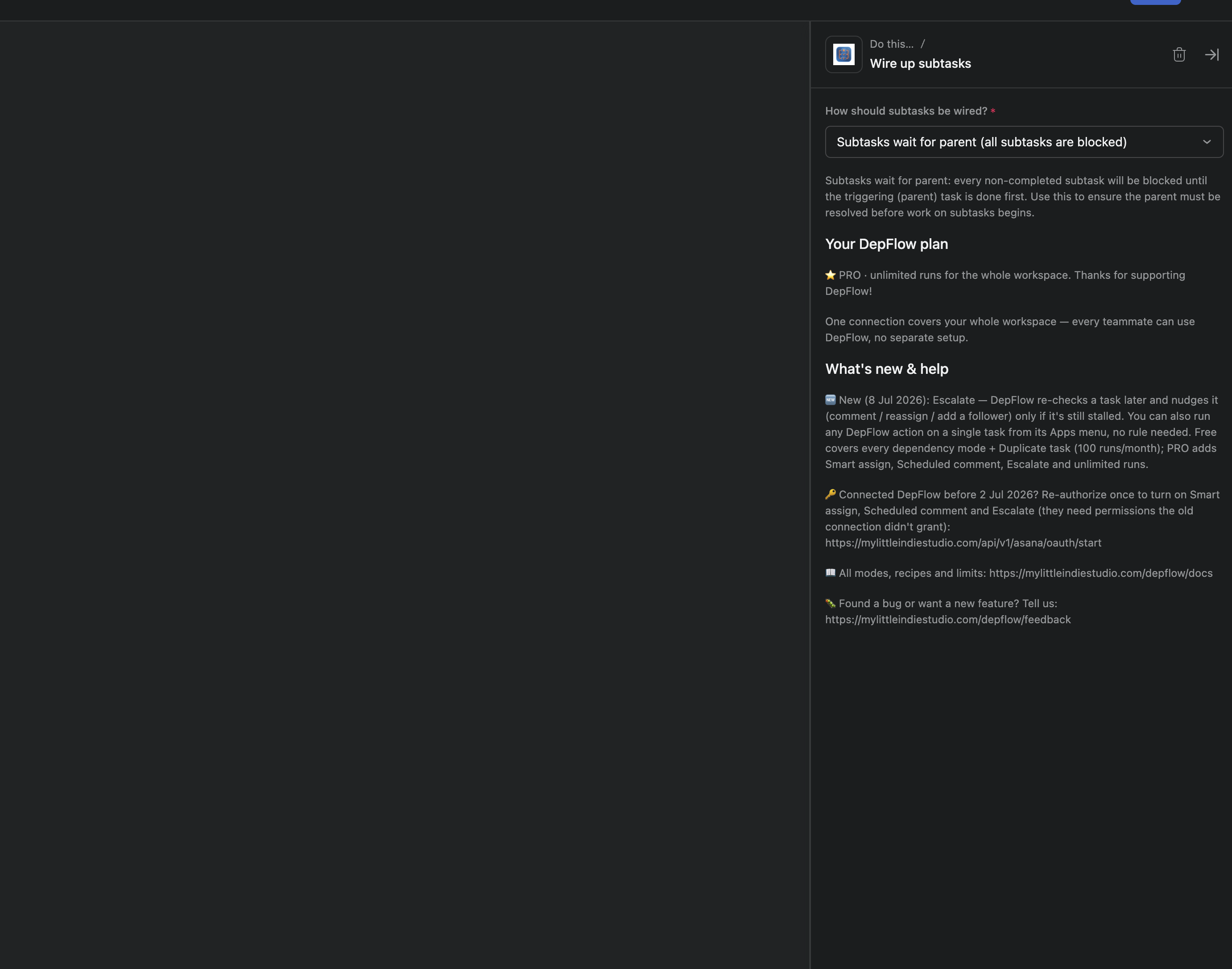
Pair it with whatever creates the checklist. A common one: Task added to project → Add subtasks (Asana's native action) → Wire up subtasks (DepFlow). The subtasks get created, then wired, in one pass.
Re-running is safe. Fire the same rule twice on the same task and nothing doubles up. Asana ignores links that already exist, and DepFlow deduplicates its own work. Add a subtask later and just run the rule again; the new one gets wired, the existing links stay put.
Already-done subtasks are skipped quietly. If a subtask is already complete, DepFlow leaves it alone and doesn't raise an error.
What you get
Every subtask now waits on the parent. Each one shows a "Blocked by" marker and can't start until "Client approves brief" is completed.
Then the client approves. You mark the parent done.
Asana clears the "Blocked by" marker on every subtask at once and notifies their assignees. The whole batch unblocks in one click. Nobody starts before the go-ahead, and nobody waits around after it.
One honest note: Asana dependencies warn, they don't hard-lock. A person can still push past a "Blocked by" marker if they really want to. What DepFlow does is set those dependencies for you on the whole checklist, so the signal is always there without anyone wiring it by hand.
Related modes
"Subtasks wait for the parent" is one of three ways DepFlow wires a checklist. The others:
- Chain subtasks: each subtask waits for the one before it, in order. Draft → Edit → SEO → Publish. This one's free.
- Parent waits for all subtasks: the parent can't close until every subtask is done. Good for a milestone like "Ship v2.0" that shouldn't look ready while anything inside is still open.
All three live in the same Wire up subtasks action. And they're part of a bigger set. See the five rule actions Asana is missing that DepFlow adds, sold as one flat subscription.
Install DepFlow free from the Asana App Directory and try it on your next project.
Get DepFlow: it is free on the Asana App Directory. Install it once, add a rule, and it does the wiring the moment your rule fires. See all the actions and plans.