
Make an Asana Parent Task Wait for All Its Subtasks
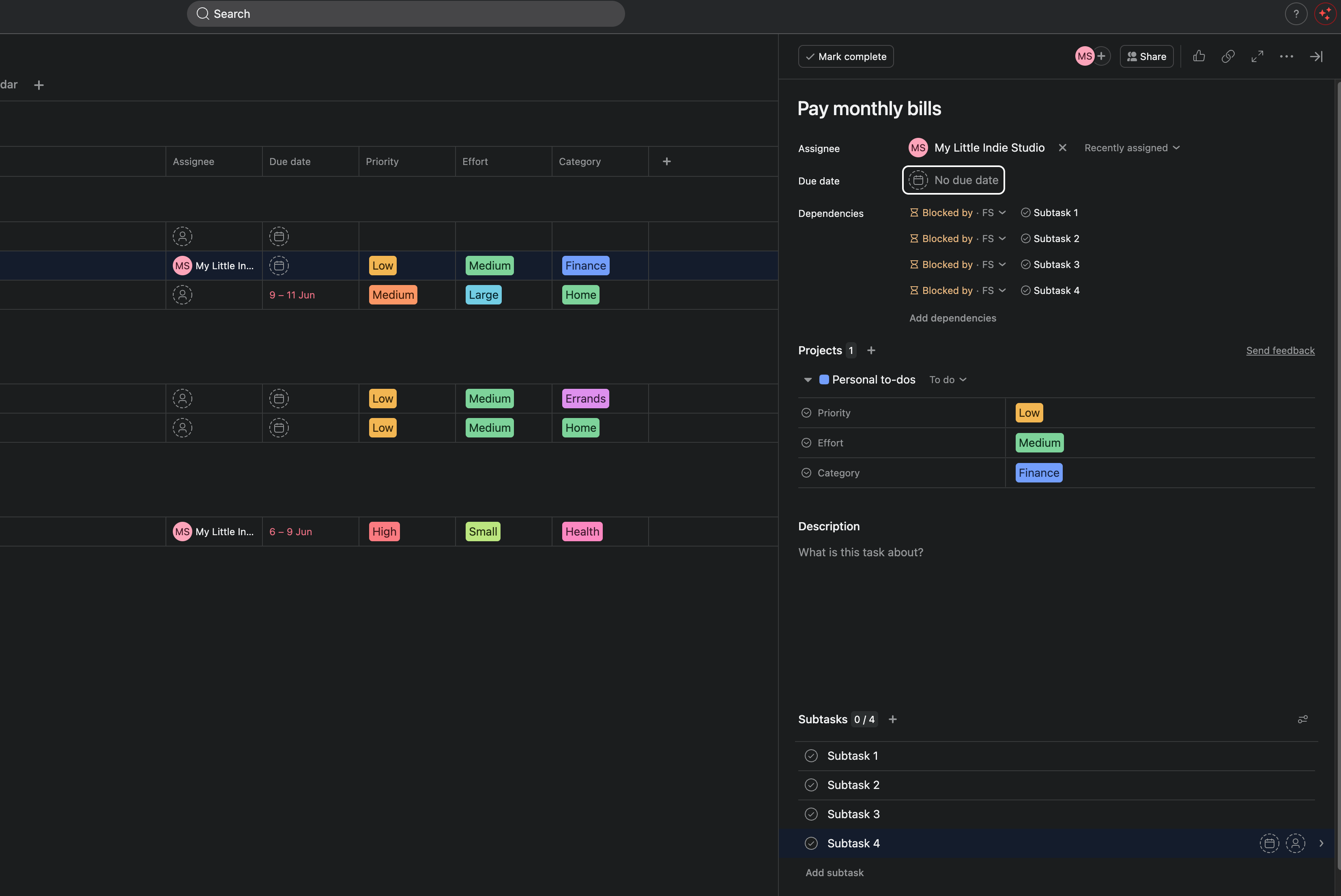
You open a milestone in Asana. "Ship v2.0." It looks ready. Green-ish. Someone is about to mark it done.
Then you expand it. Three subtasks are still open. "QA pass" hasn't started. "Changelog" is half-written. The milestone was never actually finished. It just looked finished, because a parent task in Asana doesn't care whether the work inside it is done.
So the milestone closes early. And you find out later, when someone ships without the changelog.
Asana can't fix this for you in a rule. You can mark a dependency by hand, one link at a time, but there's no rule action that makes a parent wait for its own subtasks. DepFlow adds one.
Here's how to set it up in about a minute.
What you're building
You want one thing: "Ship v2.0" can't be closed while any of its subtasks is still open. The parent should depend on every child at once, so it stays visibly blocked until the last item underneath is done.
That's the Parent waits for all subtasks mode of DepFlow's Wire up subtasks action.
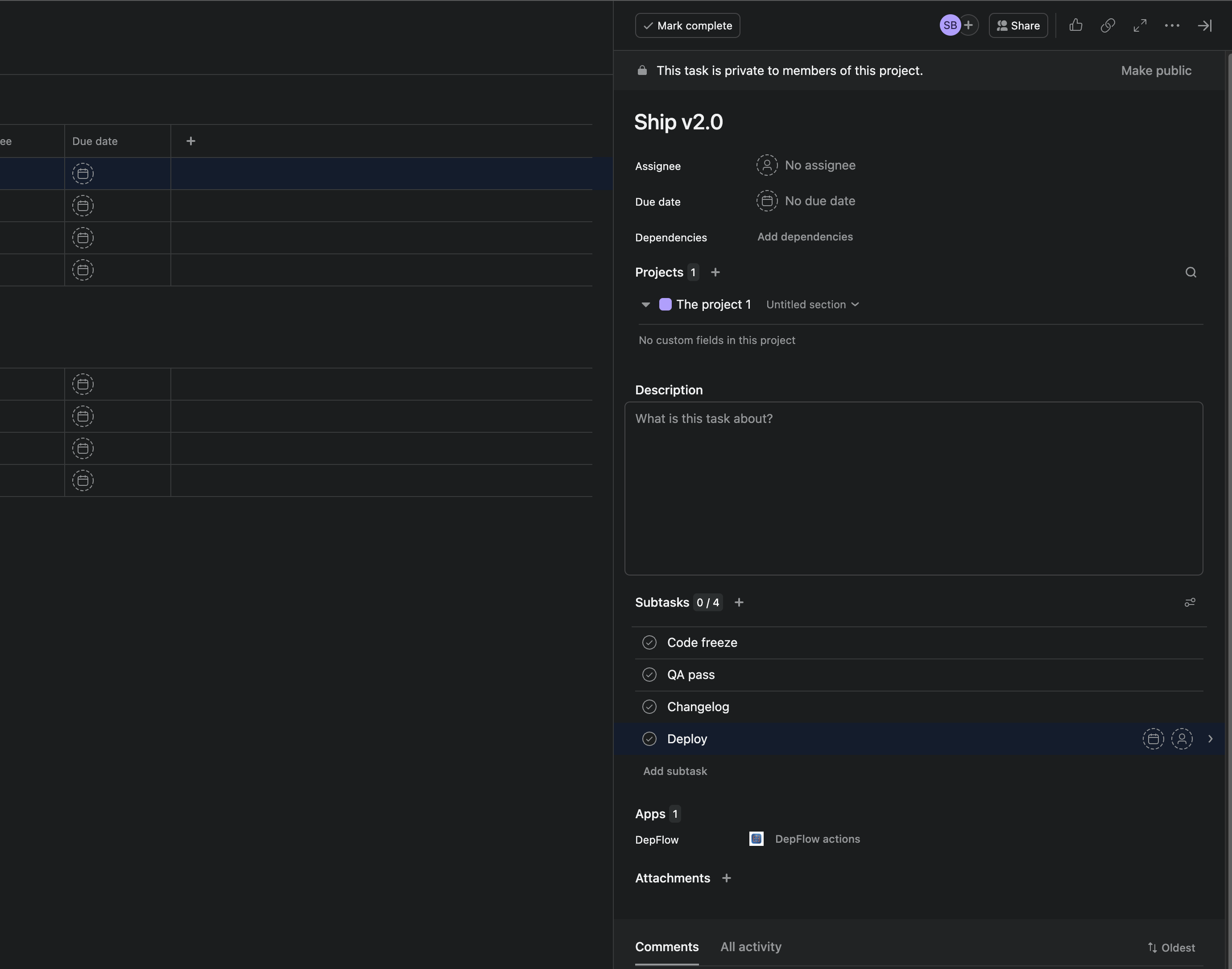
Set it up
You add the rule once. After that, every time it fires, DepFlow reads the current subtask list and wires the parent to all of them.
- Open your project and go to Customize → Rules → Add rule.
- Pick a trigger. For milestones, Run manually is the easiest. It puts a rule button on every task, so you fire it on "Ship v2.0" whenever you want. (Any Asana trigger works, e.g. "Task is added to this project.")
- Click Add action, then choose DepFlow.
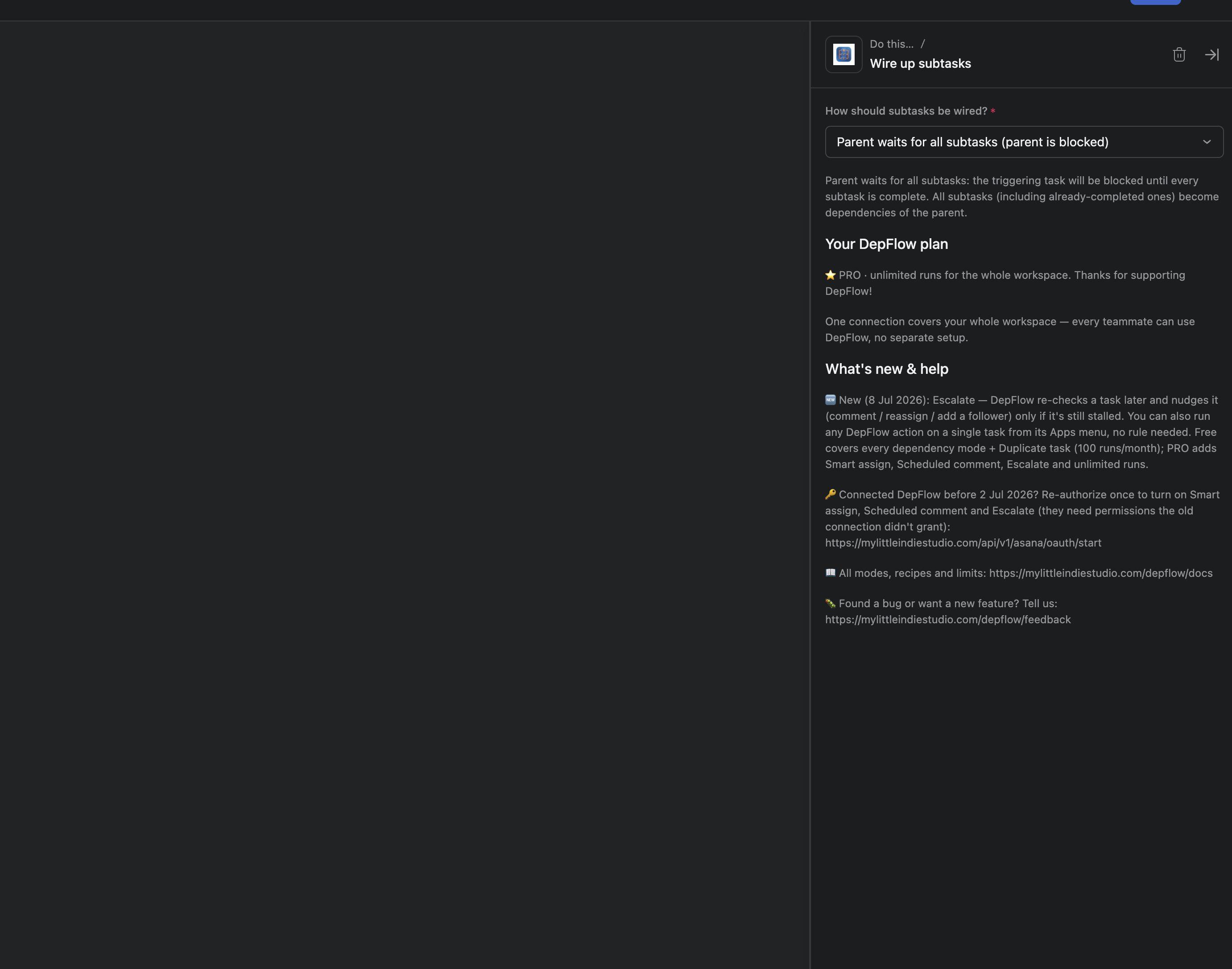
- Pick the Wire up subtasks action.
- In the How should the subtasks be wired? dropdown, choose Parent waits for all subtasks.
- Publish the rule.
That's the whole form. There's no task picker and nothing else to configure. DepFlow figures out the subtasks itself, at the moment the rule runs.
Now open "Ship v2.0" and click the rule button.
Two things worth knowing:
- Re-running is safe. Fire the rule twice and nothing doubles up. Asana ignores links that already exist, and DepFlow skips what it already wired. Add a subtask later? Just run it again; the new one gets picked up and the existing links stay put.
- It skips quietly. If a task has no subtasks, or the run can't complete, DepFlow does nothing and records why it stopped. Your rule never turns into a red error in Asana.
What you get
The moment the rule runs, "Ship v2.0" shows "Blocked by", listing every one of its subtasks. A small 🔒 sits on the parent. Anyone looking at it can see the milestone isn't ready.
Then people work through the subtasks. Code freeze, QA pass, changelog, deploy. As each one completes, it drops off the blocker list. When the last subtask closes, the milestone unblocks on its own, and only then does it read as done.
No milestone closes early again. The parent is honest about the work inside it.
One thing to be straight about: Asana dependencies are advisory. They warn, they don't hard-lock. A blocked task shows the warning and notifies people, but Asana won't physically stop someone from force-closing it. That's Asana's behavior for every dependency, hand-made or not. What DepFlow does is set those dependencies for you, in one click, on every subtask at once, instead of you adding each link by hand.
The plan, honestly
Parent waits for all subtasks is on the Free plan. Every dependency mode is, up to 100 rule runs per month across your workspace. So you can use this today without paying.
It's part of a larger set. DepFlow's PRO plan removes the monthly cap and adds two extra actions (Smart assign and Scheduled comment). If your milestones fire this rule often, PRO is what takes the 100-run ceiling off. But the parent-waits behavior itself costs you nothing to start.
The sibling modes
Parent-waits is one of three ways Wire up subtasks can link a task's children:
- Chain subtasks: each subtask waits for the one before it, so a checklist runs in strict order. This is the free hero action.
- Subtasks wait for parent: the opposite direction. No subtask can start until the parent is resolved. Use it when the parent is a gate, like "Contract signed."
All three set real, native Asana dependencies you can see and edit like any other. And they're part of the bigger picture: DepFlow is the five rule actions Asana forgot to ship, one add-on that fills the gaps in Asana's own rule builder.
Get DepFlow: it is free on the Asana App Directory. Install it once, add a rule, and it does the wiring the moment your rule fires. See all the actions and plans.