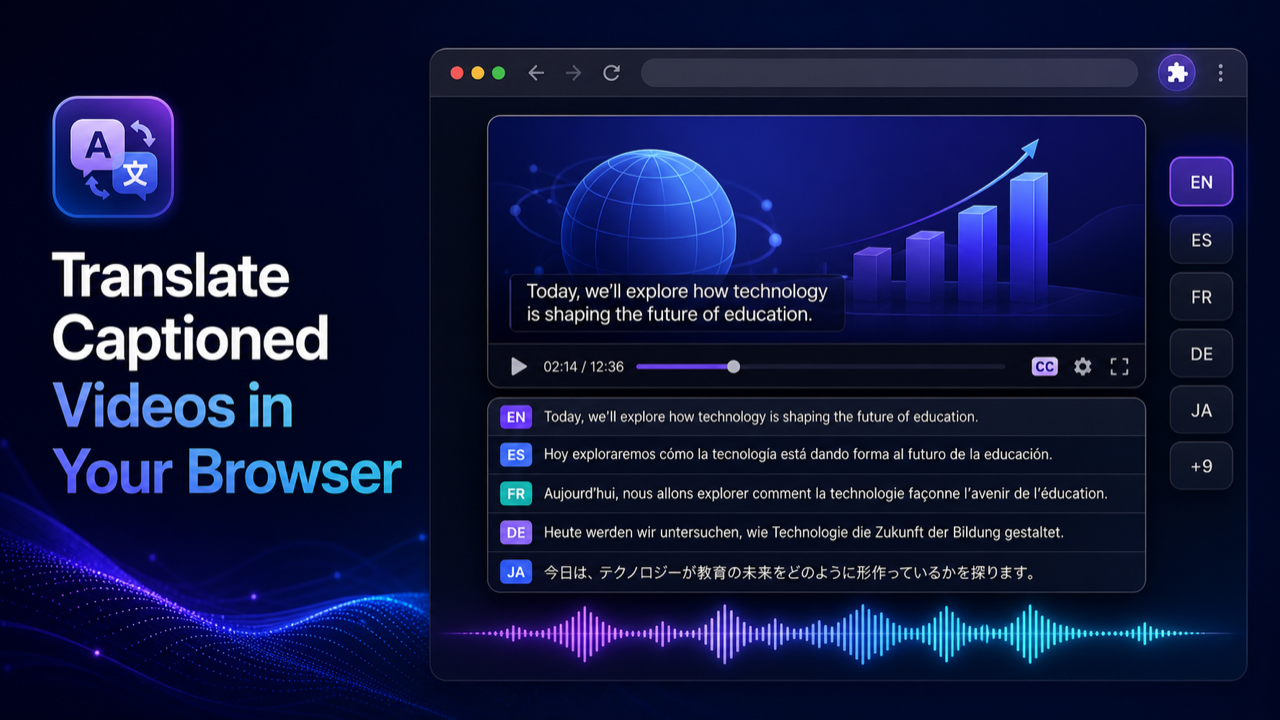
To translate video from Portuguese to Spanish in Chrome, you need a video that already has Portuguese captions. Turn them on in the player, and Multiplatform Video Translator, a Chrome extension I built, translates that caption track into Spanish, shows it as subtitles if you want, and reads it aloud over the quieter Portuguese audio. If the video has no captions, there's nothing for it to work with.
Portuguese and Spanish are close enough that a lot of viewers half-understand the original already. That closeness is exactly what makes this pair tricky: the Spanish output usually looks right, and the mistakes hide in words that look the same in both languages.
This guide is for Portuguese videos in desktop Chrome that already have a caption track, such as a Brazilian course on Udemy or Domestika, a YouTube interview from Lisbon, or a TED talk. It doesn't cover local files, DRM services like Netflix, or videos with no captions. The method is caption-based dubbing: the extension translates the subtitle text the player already has, then speaks it with a synthetic voice in sync with the video. It never listens to the audio itself.
Short answer
Turn on the Portuguese captions, click the Dub button the extension puts on the video, choose Spanish as the target language, and press play. The extension translates each caption segment, generates a Spanish voice track synced to the player, and lowers the Portuguese audio underneath. Nothing is uploaded and no file is created.
What you need
- Chrome on a desktop or laptop. Mobile browsers aren't supported.
- A video with a Portuguese caption track the player can show: uploaded by the creator, auto-generated, or an HTML5 text track.
- The extension, installed from the Chrome Web Store.
It's been tested on YouTube, YouTube Shorts, Udemy, Coursera, edX, TikTok, TED, Vimeo, Khan Academy, gamedev.tv, Zenva, and Domestika. Domestika and Udemy in particular carry a lot of Brazilian courses. Other sites with a captioned HTML5 player may or may not work, so try one video first.
Steps
- Open the Portuguese video and start it.
- Turn on captions in the player (the CC button, or the settings menu) and pick the Portuguese track. If there's an uploaded track and an auto-generated one, use the uploaded one.
- Click the Dub button on the video.
- In the on-video controls, set the target language to Spanish. For a first run, use Standard mode with Google Translate. Then check the voice list after choosing Spanish and pick a voice from what's offered.
- Press play. Turn on the translated Spanish subtitles too if you want to compare the voice with the text.
The free path is Standard mode plus Google Translate plus an on-device voice, with no account. The free local voice catalog doesn't cover every language and style, which is why I say to check the list for Spanish rather than promise a particular voice. There's also an optional Free Online voice in the menu; it needs an internet connection.
Your video is never uploaded. The caption text goes to Google Translate, or to the cloud or LLM service you pick. Local voices run on your machine. PRO adds real-time mode, LLM translation, your own AI provider keys, premium local voices, and cloud or browser voices.
On YouTube, if Spanish text is enough, the player's own Auto-translate (gear > Subtitles/CC > Auto-translate > Spanish) gives subtitles without any voice. The YouTube to Spanish guide covers that.
Why "close languages" is the trap
Machine translation between Portuguese and Spanish is usually fluent. The grammar lines up, most vocabulary has an obvious cognate, and the output reads naturally. That fluency makes errors hard to spot, because a wrong word still produces a grammatical Spanish sentence.
The usual culprits are false friends, words that look alike but mean different things:
| Portuguese | Means | Spanish look-alike | Which means |
|---|---|---|---|
| esquisito | strange | exquisito | delicious, exquisite |
| polvo | octopus | polvo | dust |
| embaraçada | embarrassed | embarazada | pregnant |
| rato | rat (mouse in Portugal) | rato | a short while |
| oficina | workshop, garage | oficina | office |
| apelido | nickname | apellido | surname |
| borracha | rubber, eraser | borracha | drunk (woman) |
| cena | scene | cena | dinner |
| largo | wide, a town square | largo | long |
| salsa | parsley | salsa | sauce |
A good translator handles most of these when the sentence gives enough context. Captions are short, though, and a fragment like "um polvo grande" or "vou à oficina" can come out with the look-alike instead of the right word (pulpo, taller). In a cooking video, salsa becomes a sauce that was never in the recipe. If a line sounds odd but grammatical, compare it with the Portuguese caption.
The computer mouse is its own small mess: Brazilians say mouse, Portuguese speakers say rato, Spain says ratón, and much of Latin America says mouse. A tech tutorial can end up with any of them.
Tu, você, tú, usted
Register doesn't map one to one. In Brazil, você is the everyday "you" and o senhor or a senhora is the polite form. In Portugal, tu is the friendly form and você can sound cold or distant. Spanish has tú and usted, plus vosotros in Spain, ustedes for plural in Latin America, and vos in Argentina, Uruguay and parts of Central America.
Because você is grammatically third person, like usted, a translator sometimes renders a casual Brazilian YouTuber as usted, which sounds stiff in Spanish. The opposite happens with a formal lecture in Portugal. Within one video the choice can also drift from segment to segment, since each caption is translated with little context. Machine translation won't reliably pick the register a human translator would. The LLM engines in PRO take more context into account, and it's worth comparing them on a video where tone matters.
Brazilian or European source, Spain or Latin American target
Both ends of this pair have regional variants. On the source side, Brazilian and European Portuguese differ in vocabulary (ônibus and autocarro for bus, celular and telemóvel for phone) and a lot in sound. On the target side, Google Translate produces one general Spanish, and its word choices can lean toward Spain or Latin America from line to line: coche or carro, ordenador or computadora, móvil or celular. A viewer in Mexico will notice ordenador; a viewer in Madrid will notice computadora. Neither is wrong, but the mix can feel uneven. The voice you pick also has its own accent, so check the voice list for one that fits your audience.
Auto-generated captions on Portuguese audio
Everything above assumes the Portuguese caption is correct. With auto-generated captions, it often isn't. A few weak spots:
- European Portuguese drops unstressed vowels, so whole syllables vanish from the audio and the recognizer guesses. Brazilian speech is easier on it.
- Nasal vowels separate words like pão and pau, or mão and mau. Miss the nasal and you get a different word, translated faithfully into Spanish.
- Avó (grandmother) and avô (grandfather) differ only in vowel quality.
- Contractions such as do, na, pelo, and num get split or merged in the wrong place.
- Fast speech, music under the voice, and slang (cara, mano, tipo) all add noise.
The Spanish line inherits every one of those errors, and because Spanish readers can often read the Portuguese caption themselves, comparing the two is quick. Uploaded captions are almost always cleaner than auto-generated ones.
Timing
Spanish is often a bit longer than Portuguese for the same idea, and Brazilian speakers can be fast. The Spanish voice is fitted to each caption segment, so on dense lines it may speak quickly or finish slightly late. It's timed to captions, not lips. If the timing bothers you, keep only the Spanish subtitles.
What it can't do
It doesn't transcribe audio, so no captions means no translation. It can't read subtitles burned into the picture. No lip sync, no voice cloning, no SRT or VTT import or export, no rendered or downloadable translated video, no local file upload. DRM services like Netflix and Prime Video, live streams, and mobile browsers aren't supported.
For a phone, there's the Android app with the same name: the Multiplatform Video Translator Android app. It opens video sites in a built-in browser where you tap Dub on the player, covers 70+ languages, and gives 40 free minutes a day without a subscription. For some videos without subtitles it can run speech recognition first. There's no iPhone version yet.
Related guides
For other source languages into Spanish, see the translate video to Spanish guide. If you need English instead, the Portuguese to English guide covers the Brazilian versus European issues from that side.
FAQ
Can I translate a Portuguese video to Spanish if it has no subtitles?
Not with the Chrome extension. It translates an existing caption track and doesn't run speech recognition. On YouTube many Portuguese videos have auto-generated captions even when the creator added none, so check the CC button first.
Is it free?
The default path is: Standard mode, Google Translate, and an on-device voice, with no account. Check the voice list after choosing Spanish to see what's available. PRO is for real-time mode, LLM translation, premium or cloud voices, and your own AI keys.
Why does the Spanish sound right but mean something else?
Probably a false friend, such as polvo, oficina, or esquisito, translated from a short caption without enough context. Compare the line with the Portuguese caption, or try an LLM engine in PRO.
Can I save the Spanish version?
No. The translation and the voice play live in the browser tab. There's no export, download, or subtitle file.