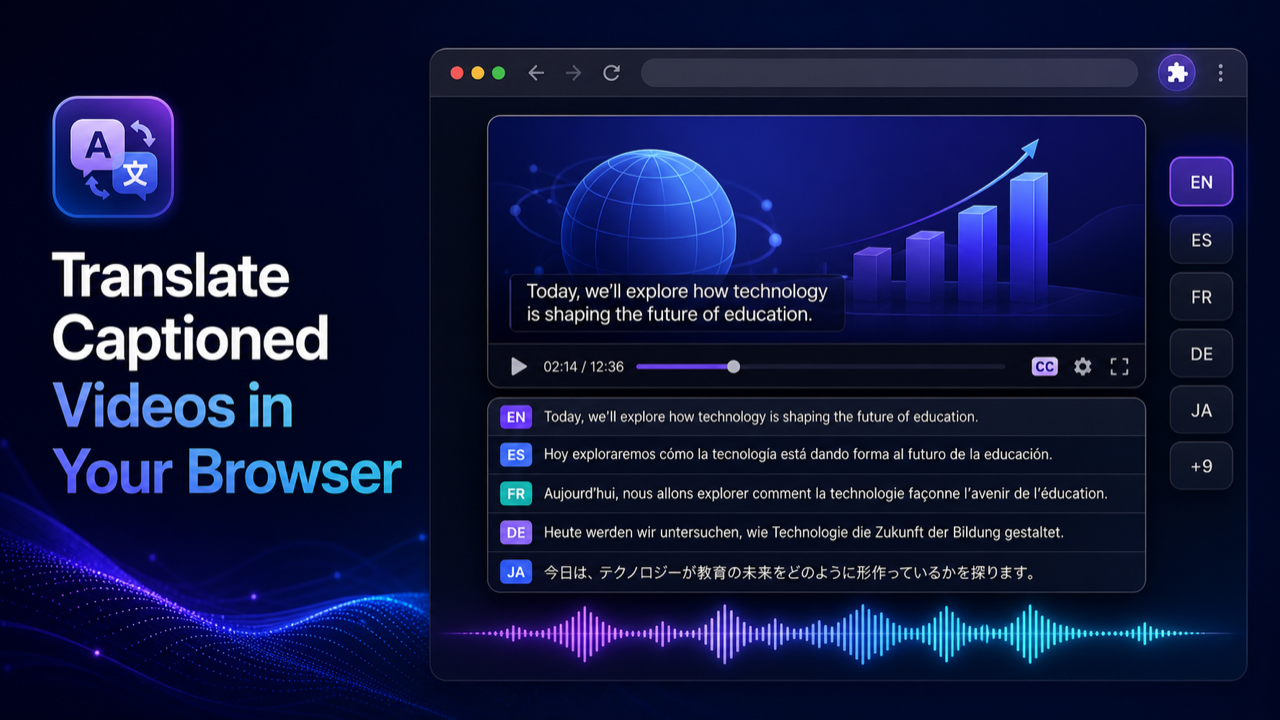
If you want to translate video to Arabic while you watch it, the shortest route in Chrome starts from the video's captions. Turn the English (or other) captions on, translate them into Arabic, and play an Arabic voice track in sync with the player. That is what Multiplatform Video Translator does. The video file stays where it is: the extension reads the caption track, translates it, generates speech, and plays that speech over the original audio, which it turns down.
I built the extension, and Arabic is one of the targets where I check the output most: the engine has to guess gender, number and vowels that English captions never state. Short answer: turn on the captions, click Dub on the video, choose Arabic, check the voice list, press play. You get Modern Standard Arabic speech, and Arabic subtitles if you want them. This guide is for Arabic speakers who want to follow English courses, talks or tutorials in desktop Chrome; it does not cover publishing a dubbed Arabic video file.
What you need first
- Chrome on a desktop or laptop. Mobile browsers are not supported.
- A video with captions. Uploaded or auto-generated captions both work, as long as the extension can detect the track. If a video has no captions at all, there is nothing to translate.
- A regular HTML5 player. Tested and working: YouTube, YouTube Shorts, Udemy, Coursera, edX, TikTok, TED, Vimeo, Khan Academy, gamedev.tv, Zenva and Domestika. If your site isn't on that list, try it, but it may or may not work.
The free setup needs no account. It uses Standard mode, Google Translate for the text, and Piper speech generation running on your device.
How to translate a video into Arabic, step by step
- Install the extension from the Chrome Web Store and open the video.
- Turn on the source captions in the player (the CC button, or the captions menu on course platforms).
- Click the Dub button the extension places on the video.
- In the on-video controls, set the target language to Arabic.
- Choose the mode, the translation engine and the voice. Turn on translated subtitles if you want to read the Arabic too.
- Press play. The Arabic speech follows the player, and the original audio stays audible at a lower volume underneath.
The source language does not have to be English. Any caption language the engine can translate from will do, though English captions are usually the cleanest starting point.
Choosing an Arabic voice
Voice availability depends on the engine and, for some options, on the voices installed on your system. The free local voice catalog does not cover every language and voice style, so check the voice list after choosing Arabic. Don't assume a particular Arabic voice, or a particular accent, will be there.
If the free list doesn't give you an Arabic voice you like, PRO adds premium local voices, cloud voices, and browser or OS voices. There is also an optional Free Online voice, which you have to choose explicitly and which needs an internet connection.
Arabic subtitles and right-to-left text
Arabic is written right to left, and translated subtitles have to respect that: punctuation at the correct end, Latin words and numbers embedded in an Arabic line without scrambling the order. Mixed lines are the hard case, for example "اضغط على Save ثم Export" in a software tutorial. I haven't checked every site and font combination, so if you plan to read along, watch the first few subtitle lines and make sure mixed Arabic and English text displays in the order you expect. If it looks wrong, rely on the voice and treat the text as a rough reference.
What changes when a video becomes Arabic
Modern Standard Arabic, not a dialect
Machine translation into Arabic produces Modern Standard Arabic (fusha). That is the register of news, textbooks and formal lectures, and it is understood by readers across the Arab world. It is also not how people talk at home in Cairo, Beirut, Riyadh or Casablanca. A casual vlog dubbed into MSA sounds like a news anchor reading a friend's message. For courses and technical talks that's fine, and often preferred. For comedy or chatty content, viewers who expect Egyptian or Levantine speech will notice. I don't know of a way to get a specific dialect out of Google Translate; an LLM engine on PRO can be asked for a style, but check the result with a native speaker before you count on it.
One English "you", four Arabic ones
English "you" says nothing about who is addressed. Arabic distinguishes "anta" (a man), "anti" (a woman), "antuma" (two people) and "antum" or "antunna" (a group), and verbs and adjectives agree with it. A caption like "you should save your file" forces the engine to guess, and the usual guess is masculine singular. In a course aimed at everyone this is acceptable, and many Arabic tutorials address the viewer in the masculine by convention. But if the speaker is talking to a specific woman, or to two people, the translation can pick the wrong form, and the guess may change from line to line.
| Who is addressed | Arabic "you" | Example "you wrote" |
|---|---|---|
| One man | anta | katabta |
| One woman | anti | katabti |
| Two people | antuma | katabtuma |
| A group of men or mixed | antum | katabtum |
| A group of women | antunna | katabtunna |
The dual and plural
Arabic has a dual for exactly two things ("kitaban", two books) besides singular and plural, and plural nouns often take irregular "broken" forms. When the caption says "two" outright, the engine has what it needs. The trouble starts when the number is only implied by an earlier line, which a line-by-line caption translation can't see.
Technical loanwords
Programming, design and marketing videos are full of terms that Arabic either borrows ("كمبيوتر") or translates in several competing ways. You may get "ملف" for file in one line and the English word in the next. Function names and product names sometimes get translated when they shouldn't. Keep the code or the screen in view; it usually tells you what was meant.
Missing diacritics and pronunciation
Written Arabic normally leaves out short vowels (harakat), and machine-translated Arabic almost always does. The voice then has to guess the vowels from context, the same way a reader does. It may mispronounce a rare word, a name, or a word whose consonants allow two readings, such as k-t-b, which can be "kataba" (he wrote) or "kutub" (books). If a word in the dub sounds odd, the subtitle text shows you what was written.
Length and timing
Arabic text is often shorter on screen than English, but the spoken version is not reliably shorter, and fusha phrasing can run long. Each translated line still has to fit the caption's start and end time. Fast speakers leave the Arabic voice little room; slower lectures sound more natural.
What the extension does not do
It does not transcribe videos without captions, clone the speaker's voice, or match lip movements. It does not import or export SRT/VTT files, render or download a translated video, or accept uploaded local files. It does not read text burned into the picture, and it does not work on DRM services such as Netflix or Prime Video, on live streams, or on mobile browsers. On YouTube, the player's own Auto-translate (gear > Subtitles/CC > Auto-translate > Arabic) gives Arabic text subtitles without any extension, but no audio.
On an Android phone, the Multiplatform Video Translator Android app works in its built-in browser: tap Dub on the player. It covers 70+ languages with 40 free minutes a day without a subscription, and for some videos without subtitles it can run speech recognition first. There is no iPhone version yet.
FAQ
Can I translate a video to Arabic for free?
Yes, if the video has captions the extension can detect. The free path uses Google Translate and on-device Piper speech, with no account. Whether an Arabic voice is offered on the free path depends on the engine, so check the voice list after choosing Arabic.
Will the Arabic be Egyptian, Gulf or Levantine?
No. Expect Modern Standard Arabic. It's understood across the Arab world, but it sounds formal in casual videos.
Can I get Arabic subtitles instead of a voice?
Yes. Turn on translated subtitles in the on-video controls. Check how mixed Arabic and Latin text displays on your site before relying on it.
What about Arabic to English?
That's the opposite direction, with its own problems (dialect captions, missing vowels). See how to translate an Arabic video to English.
Related guides
The same workflow into other languages: translate video to Spanish and translate video to French. For a broader look at how the extension behaves on different sites, see how a video translator extension works in Chrome.
To sum up: captions on, Dub, Arabic, check the voice list, play. Expect formal MSA, a default masculine "you", and an occasional misread word, and keep the Arabic subtitles on when the details matter.